

Photo upload
Works from a phone camera or a saved photo, and cleans the file up automatically.
 Try the louvre roof visualiser
Upload a photo and see a roof added to it, live.
Open the demo
Not sure what you need? Tell us the problem and we will suggest the fix.
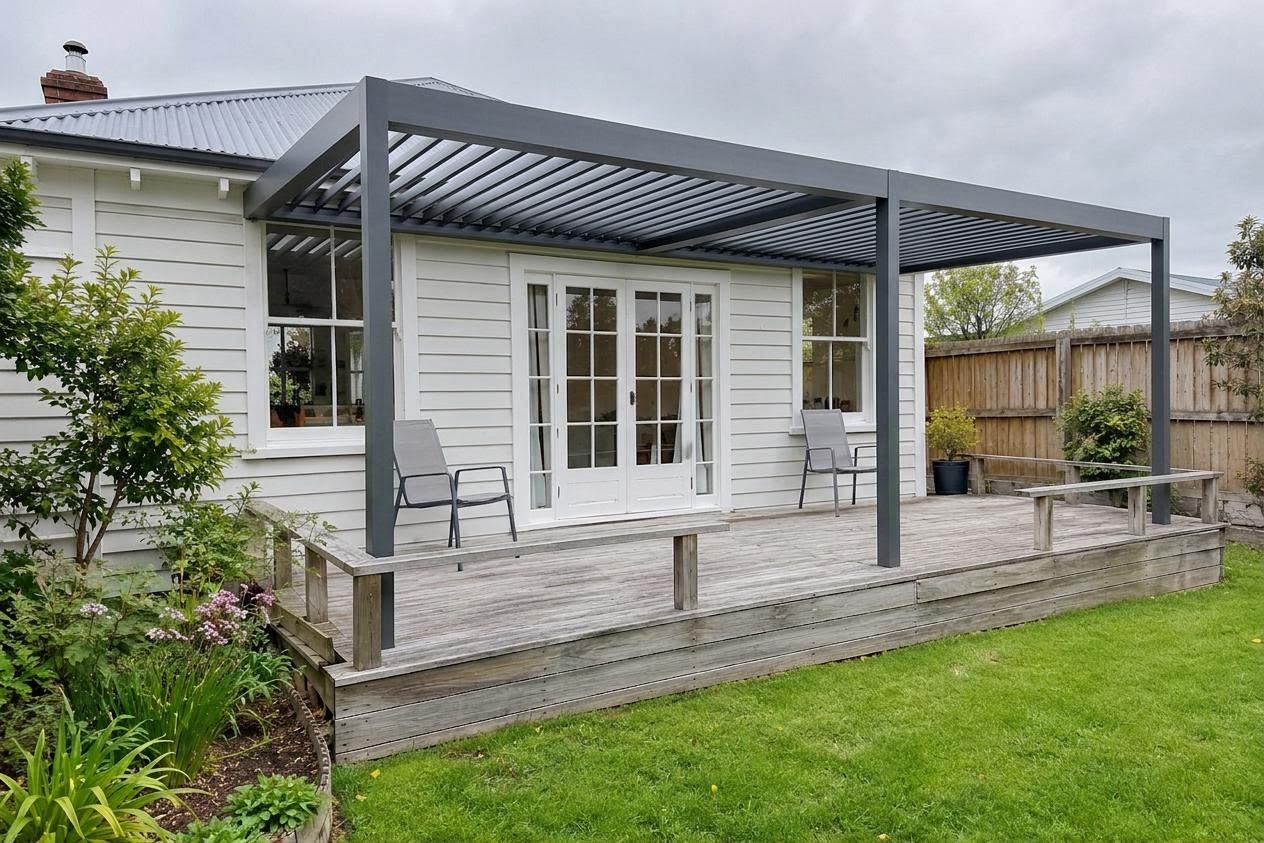
An AI visualiser puts your product on a photo of the customer's own property, so they can picture the result and say yes sooner.
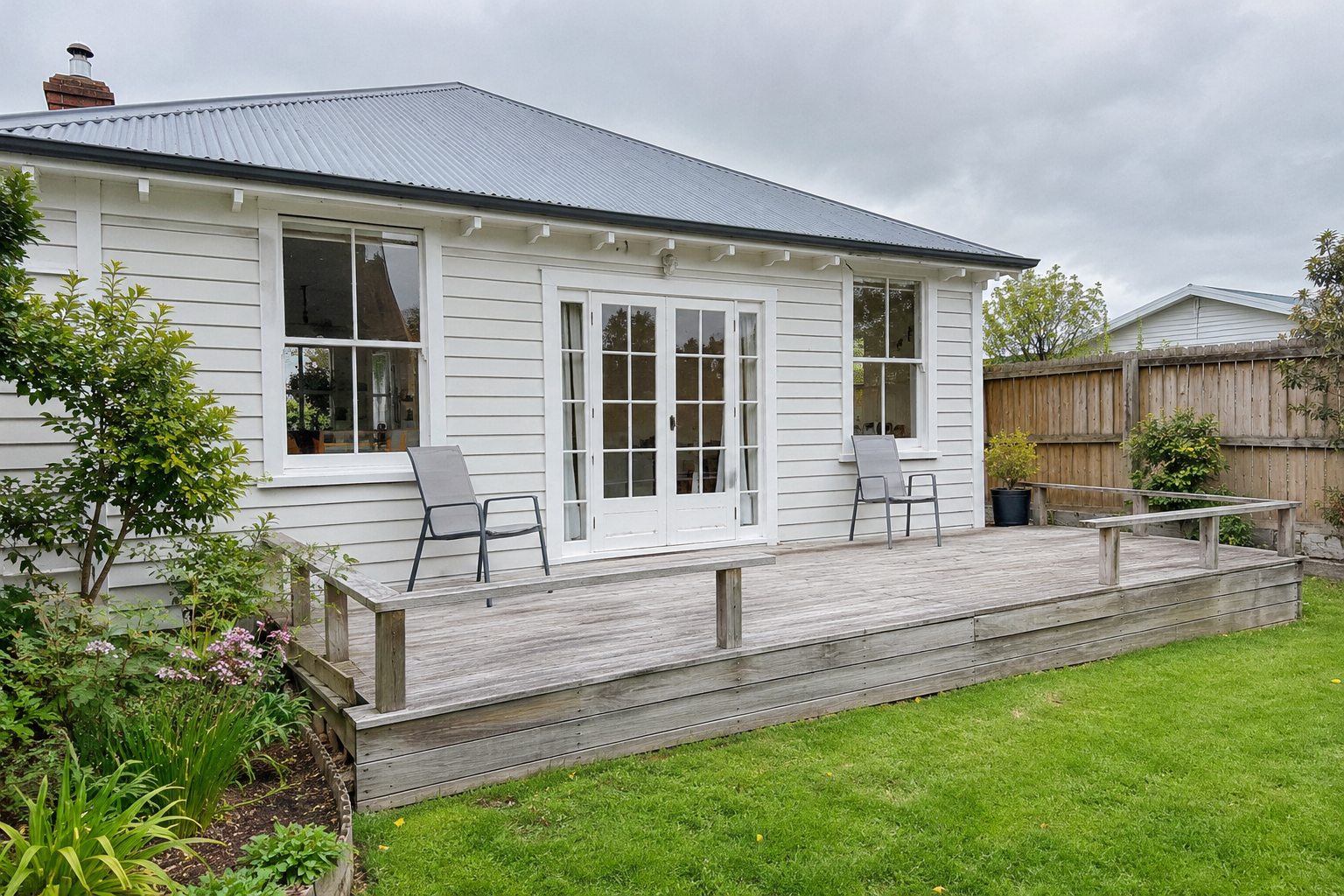 Before
After
Works from a phone camera or a saved photo, and cleans the file up automatically.
Styles, colours and extras you actually sell, and nothing you do not.
An image of the customer's own property with your product added.
The visitor can ask for a quote, and the request is sent to you.
The demo shows a generic louvre roof. For your business we configure a version around your actual product range, so customers see the roof you really install, in your branding.
Get a quoteOffer just the frame colours, louvre finishes, roof styles and sizes you sell, and remove the rest.
Add your own product names and options, such as lighting, screens, blinds and other accessories.
Your logo, colours and wording, and your own web address if you want one.
Quote requests go to your email or CRM, with the concept attached when the customer agrees.
Send us your product list or brochure and we will set it up. The picture is an AI concept of your range, not a shop drawing, so final details are always agreed with the customer.
Yes. We configure it around your range: your colours, finishes, styles, sizes and extras, plus your logo and wording. Send us your product list or brochure and we will set it up.
Concepts are an AI impression, not a design drawing or a measured quote. The page says so, and the final detail is always agreed with you.
A few US cents each. We build in daily spend caps and per-visitor limits so costs cannot run away.
It is a working example of what we build. We can brand and set it up for your products.
It depends on the scope. We give you a written quote before any build work starts.
Rough ideas are fine. We will come back with questions or a quote.
Get a quote